


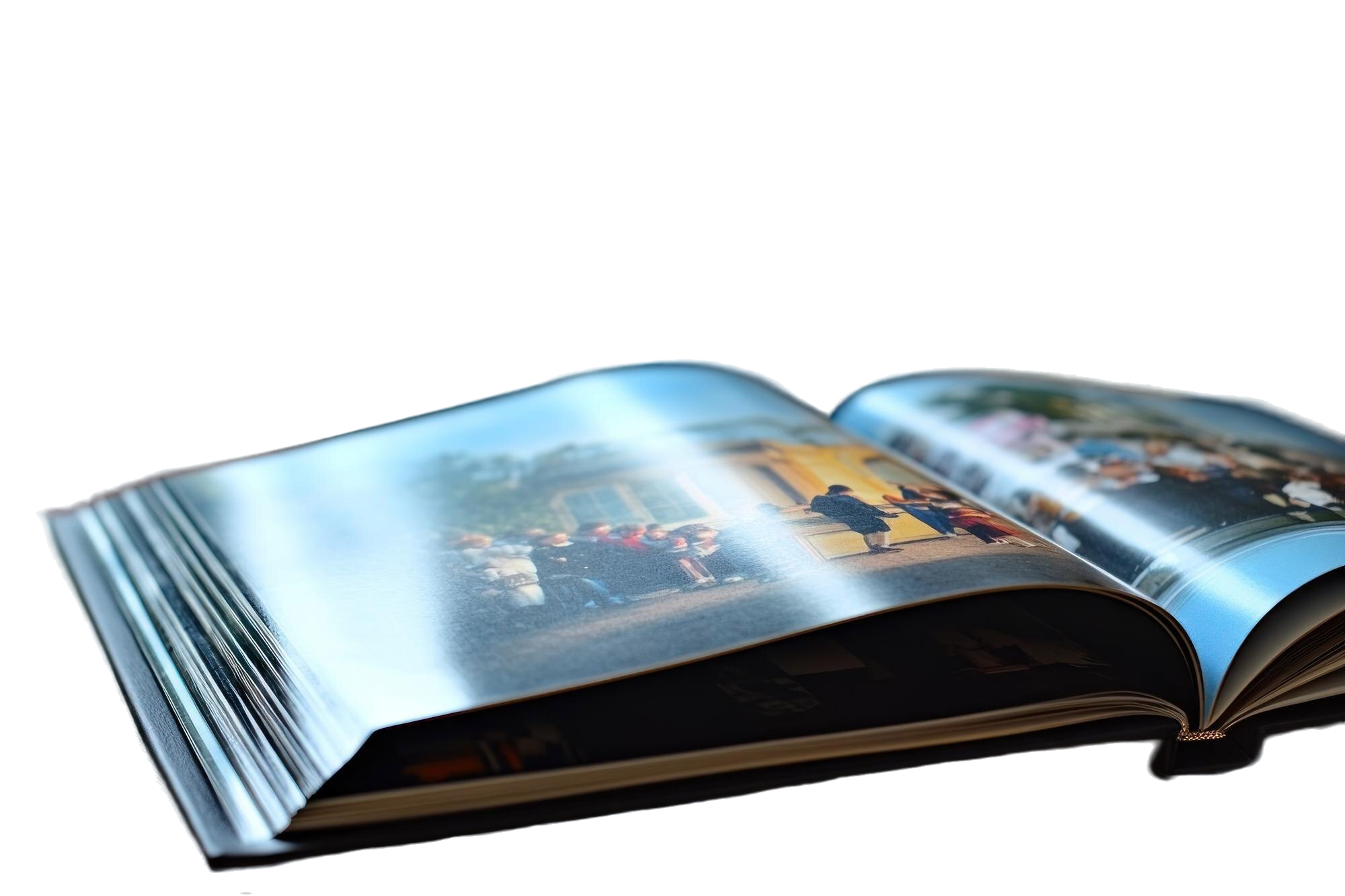
A yearbook is one of those things that may not feel very important when you first receive it.
You flip through the pages, look for your own photo, check your friends’ pictures and maybe laugh at some of the messages people wrote. Then it goes onto a shelf or into a box somewhere.
A few years later, though, opening that same book can feel completely different.
You might see classmates you have not spoken to in years, an event you almost forgot about or an old photo of yourself that you cannot believe you actually liked at the time.
That is one reason yearbook printing needs some planning. You are putting together photos, names, events and messages from one particular year, and once everything has been printed, those pages become the finished copy that students receive.
What is Yearbook Printing?
Yearbook printing is basically the process of turning all the content collected throughout the academic year into a physical book.
The content will be different for every school.
Some yearbooks focus mainly on class photos and student profiles. Others include school events, clubs, competitions, graduation activities, teacher messages and candid photos taken throughout the year.
A yearbook might include:
- Class and student photos
- School events
- Sports activities
- Clubs and societies
- Awards or achievements
- Messages from teachers
- Graduation photos
- Short messages from students
You do not necessarily need all of these. It depends on what the school wants the yearbook to represent.
Start by Organising the Content
Before thinking too much about printing, I would sort out the content first.
This can get messy quite quickly, especially when photos and information are coming from different teachers, students and committees.
Imagine receiving hundreds of photos with file names like IMG001, IMG002 and IMG003. A few months later, nobody remembers which event they came from or who is actually in the picture.
It is much easier if everything is separated properly from the beginning.
You could create different folders for class photos, sports, clubs, school events, graduation and other activities. Names and captions can also be prepared while people still remember the details.
This makes things easier when it is finally time to build the pages.
Be Careful With Student Names and Photos
This is something I would check more than once.
A spelling mistake in a normal document can usually be corrected later. A spelling mistake in a yearbook becomes more troublesome once hundreds of copies have already been printed.
Student names should be checked carefully, especially on class pages.
The same goes for photos. Make sure the correct photo is matched with the correct student and that nobody has accidentally been left out.
If there are captions under event photos, check those too.
It may take extra time, but I would rather spend another day checking names than discover the mistake after opening the finished books.
Think About the Layout as a Whole
When several people are working on the same yearbook, the pages can easily start looking like they belong to completely different books.
One person might use a blue background and another suddenly uses orange. Some pages might have three different fonts while another page has completely different spacing.
There is nothing wrong with giving different sections their own personality, but they should still feel connected.
I would decide on a few basic things early, such as the fonts, main colours and general page style.
Then you can still have fun with individual sections without starting from zero every time someone designs a new page.
Do Not Put Too Much on One Page
It can be tempting to squeeze in as many photos as possible because nobody wants their favourite picture to be left out.
But if twenty photos are squeezed onto one page, they may end up so small that nobody can really see them.
I would choose the stronger photos and give them enough room.
For a big event, maybe use one or two larger photos and surround them with a few smaller ones. Another event might work better as a simple collage.
Not every page has to follow exactly the same layout.
The important part is being able to look at the page without feeling like everything is fighting for attention.
Check the Photos Before Sending the Artwork
A photo can look okay on a phone but not necessarily look the same when it is enlarged for a printed page.
Before finalising the artwork, look through the images properly.
If a photo is extremely blurry, very dark or already looks pixelated on screen, I would avoid making it the main image of a page.
Sometimes there may be another photo from the same event that works better.
Also check whether important parts of a photo are being cut off by the layout. You do not want to realise after printing that someone’s face is sitting too close to the edge or disappearing into the middle of the book.
Choosing the Yearbook Format
There are different ways a yearbook can be prepared.
Some schools may prefer a hardcover book, while others may choose a softer or more magazine-like format. The number of pages, book size and type of cover can also depend on the amount of content and the school’s budget.
I would not choose based only on what looks the most expensive.
Think about how many pages you actually need, how many copies are being ordered and what kind of book makes sense for the students receiving it.
If you are unsure about the available options, this is something you can discuss with the printing company before the final artwork is prepared.
Print a Proof and Actually Read It
This is probably the part I would not skip.
When the yearbook has dozens of pages, it is easy to stare at the same design for so long that you stop noticing mistakes.
If a proof copy or sample is available, go through it like a student receiving the yearbook for the first time.
Look for your name. Read the headings. Check the dates. Look at the photos.
Does anything look strangely positioned? Is some text difficult to read? Did a photo become darker than expected? Is somebody’s name missing?
It can also help to have another person check it because they may notice something the original designer has already looked at twenty times without seeing.
Give Yourself Enough Time
I would definitely not leave a yearbook until the week before graduation.
There are too many small things involved.
Photos still need to be collected, names need to be confirmed, pages need to be designed and someone needs to check the final version.
There may also be changes after the first review.
If everything is rushed, that is usually when simple mistakes become easier to miss.
Having a clear deadline for collecting photos and content can make the whole project much easier to manage.
Conclusion
For me, yearbook printing is not only about choosing a nice cover and sending a file to print.
Most of the work actually happens before that.
Someone has to collect all those photos, make sure the names are correct, arrange the pages and decide what moments from the year are worth including.
And I think that is what makes a yearbook interesting.
Years later, students probably will not care whether every page followed the latest design trend. They are more likely to look for themselves, their friends, their teachers and the random moments they had completely forgotten about.
So I would spend less time trying to make every page look overly fancy and more time making sure the book actually feels like that particular school year.
Once everything looks right, check it one more time before printing.
Because after the books arrive, that typo in someone’s name is going to be much harder to ignore.