


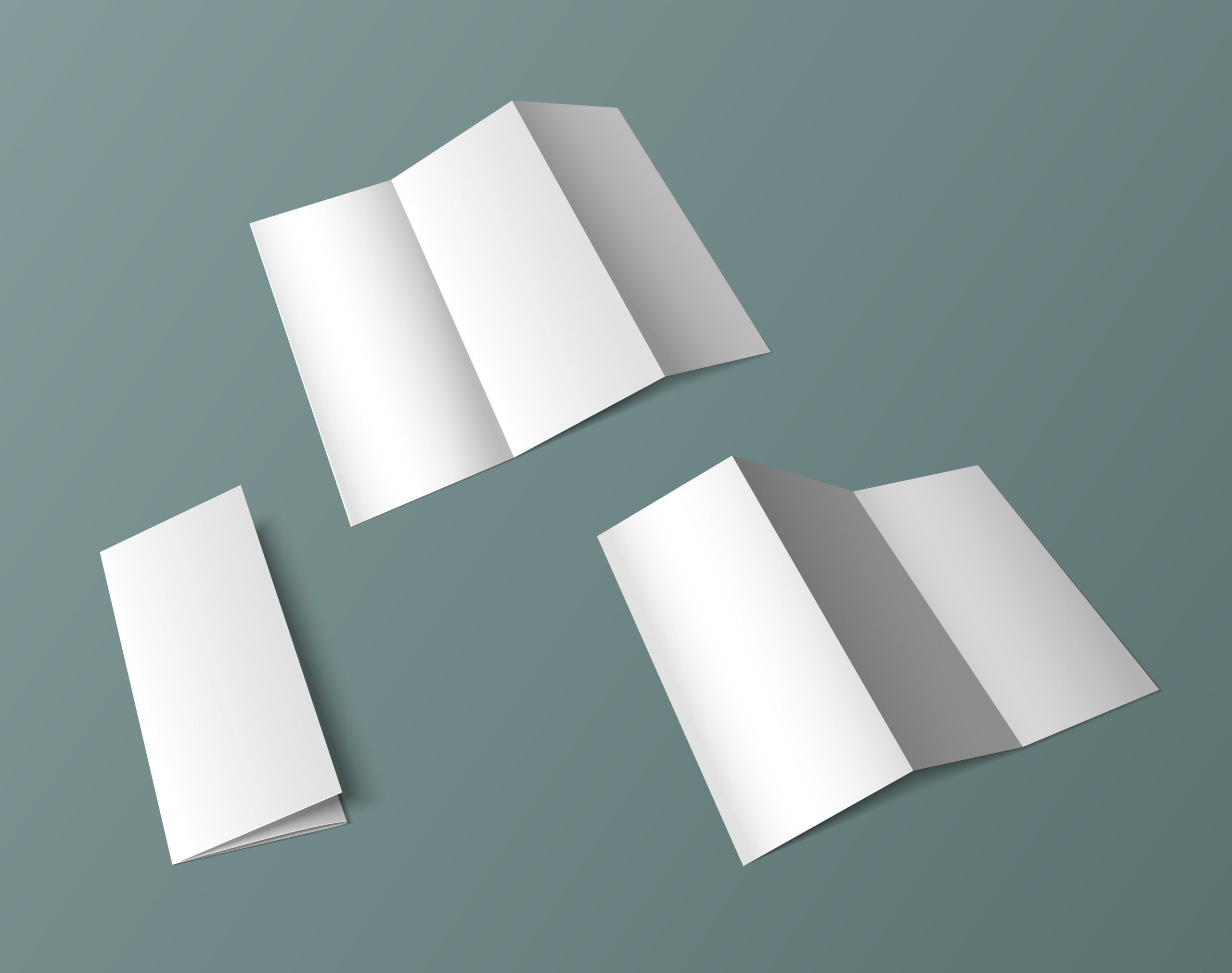
You have probably seen a tri fold brochure before, even if you did not know what it was called.
It is the type of brochure that you normally pick up from a counter, receive during an event or get when visiting a company. When you open it, the information is separated into different sections instead of everything being placed on one large page.
This is known as tri fold brochure folding.
For businesses, this format can be useful when there is quite a lot of information to share but they still want something that is small and easy for people to carry around. It can be used to introduce a company, explain services, promote an event or simply give customers information they can bring home and read later.
What is Tri Fold Brochure Folding?
Tri fold brochure folding is a way of folding one sheet of paper into three sections.
Once folded, the brochure has different panels that can be used for different information. The front panel normally works as the cover, while the inside panels can be used for the main content.
For example, imagine a clinic preparing a brochure for its patients.
The front might have the clinic name and a short introduction. When someone opens it, they could find information about the available treatments, operating hours and what they should prepare before an appointment. The final panel could then contain the clinic’s contact information.
Instead of putting everything together, the folds help separate the information into smaller sections.
Why Do Businesses Use Tri Fold Brochures?
One reason is simply the size.
A large sheet containing a lot of information may not be very convenient to hand out. Once it is folded into a smaller brochure, it becomes easier to place on a counter, bring to an exhibition or give directly to customers.
There is also more freedom in deciding how the reader sees the information.
You do not have to fill every panel with long paragraphs. One section could introduce the company, another could show a few products, while another could contain contact details or a QR code.
Some common information you might include is:
- Company background
- Products or services
- Packages or prices
- Photos
- Frequently asked questions
- Contact details
- Website or social media information
- A call-to-action
What you include really depends on why you are making the brochure in the first place.
Plan the Panels Before You Start Designing
This is probably one of the easiest things to overlook.
Before designing anything, decide what you want to put on each panel.
If you start adding text and pictures without planning the layout first, you might end up with too much information in one section and almost nothing in another.
Start with the cover.
When I pick up a brochure, the cover is normally the first thing I look at. I would not put too much information there because people have not even opened it yet.
The company name, a short title and one relevant image can already give them an idea of what the brochure is about.
After opening it, that is where the explanation can begin.
For example, if the brochure is introducing a service, one panel could explain what the service is for. The next one could go into more detail, while the contact information can come later. It does not have to follow this exact order, but the reader should not feel like they have opened the brochure in the middle of the story.
Keep the Design Easy to Read
Having six panels does not mean I would try to fill every single one from top to bottom.
Sometimes leaving a bit of empty space actually makes the brochure nicer to read. If one panel has a huge paragraph, I would probably shorten it or split the information up rather than squeezing everything inside.
Headings are useful here too. Someone might only be looking for the price, contact number or one particular service. They should not have to read the entire brochure just to find it.
The same goes for pictures.
I would rather use a few images that actually match the content than put a picture into every available space. If the image does not really add anything, it is okay to leave it out.
Another thing I would watch is the font size. This can be quite deceiving when you are designing on a computer.
The words might look big enough while the artwork is filling your whole screen. Once you print it at the real size, though, suddenly that same paragraph can look much smaller than expected.
This is why I would print one normal copy first and look at it properly. Open it, fold it and see whether you can comfortably read everything without having to bring the brochure right up to your face.
Remember Where the Brochure Will Fold
This is especially important with tri fold brochure folding.
Your design is eventually going to be folded, so important words, logos and images should not sit awkwardly across the fold lines.
The panels also need to work together once the brochure is closed.
For example, you do not want the company phone number appearing on a panel that people are unlikely to notice, especially if contacting the business is the main purpose of the brochure.
Before sending the artwork for printing, look at both sides and imagine how someone will actually open it.
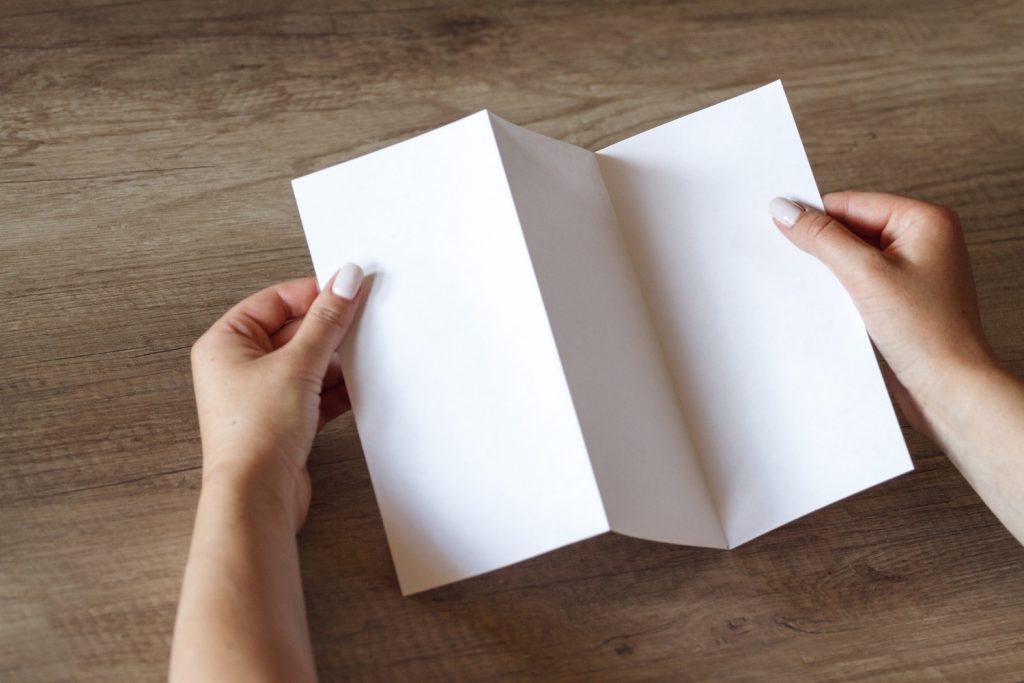
Sometimes it helps to take a blank sheet of paper, fold it yourself and write the name of each section on the panels. It is simple, but it can make the layout much easier to understand.
Where Can Tri Fold Brochures Be Used?
There is no single type of business that has to use this format.
You might see these brochures at property exhibitions, clinics, colleges, hotels, corporate events or retail counters.
A company attending an exhibition could use one to introduce its services. A school might prepare one for an open day. A property company could use the panels to show photos, project information and contact details.
The content changes, but the basic folding style remains the same.
Check Everything Before Printing
Once the design looks finished, do one final check before sending it for printing.
Do not only check whether it looks nice.
Read the phone number. Check the website. Scan the QR code if there is one. Look at the spelling of names, prices, dates and addresses.
Then check the layout again.
Are any words too close to the fold? Is the text still readable at its actual printed size? Does the front cover make sense when the brochure is closed?
If you are printing a large quantity, finding a mistake after everything has already been printed can be frustrating. Spending a little more time checking the final artwork is much easier than fixing it afterwards.
Conclusion
Tri fold brochure folding is a simple format, but there are still quite a few things to think about when preparing one.
Before you start designing, think about what someone actually needs to know when they pick up the brochure. You probably do not need to put every single detail about the business inside. Choose the important information first and then decide where it should go.
I would also print one copy before confirming everything. Hold it, fold it and read it like you are seeing the brochure for the first time. Sometimes something looks completely fine on the computer but feels too small or ends up in a weird position after folding.
If one panel looks too crowded, remove something. If another looks empty, you do not necessarily need to fill it just for the sake of filling the space.
The main thing is that someone should be able to pick up the brochure, understand what it is about and easily find the information they are looking for.
That is already enough for a brochure to do its job.